
Customer Satisfaction Dashboard for Retail Stores That Drives Action

Customer Satisfaction Dashboard for Retail Stores That Drives Action
A customer leaves your store unhappy, says nothing to staff, and posts the complaint online an hour later. By then, the sale is gone, the review is public, and your team is reacting too late. That is the real problem most retail operations face: not a lack of feedback, but a lack of speed.
A customer satisfaction dashboard for retail stores should help you catch friction while there is still time to fix it. If it only reports scores at the end of the week, it is not helping the store floor, the manager on duty, or the regional leader trying to spot risk across multiple locations. What matters is turning feedback into action within minutes.
The difference comes from a few practical capabilities: real-time alerts on mobile, clear visibility by store, simple prioritization of urgent complaints, and automated follow-up that replaces spreadsheet chasing. When those pieces are in place, managers can step in before frustration becomes a lost customer or a negative review.
The sections below build that operational view step by step: what the dashboard should actually do, how alerts change outcomes in real store situations, which KPIs deserve attention, and how to roll out a system quickly across one store or an entire network.
What a customer satisfaction dashboard for retail stores should actually help you do
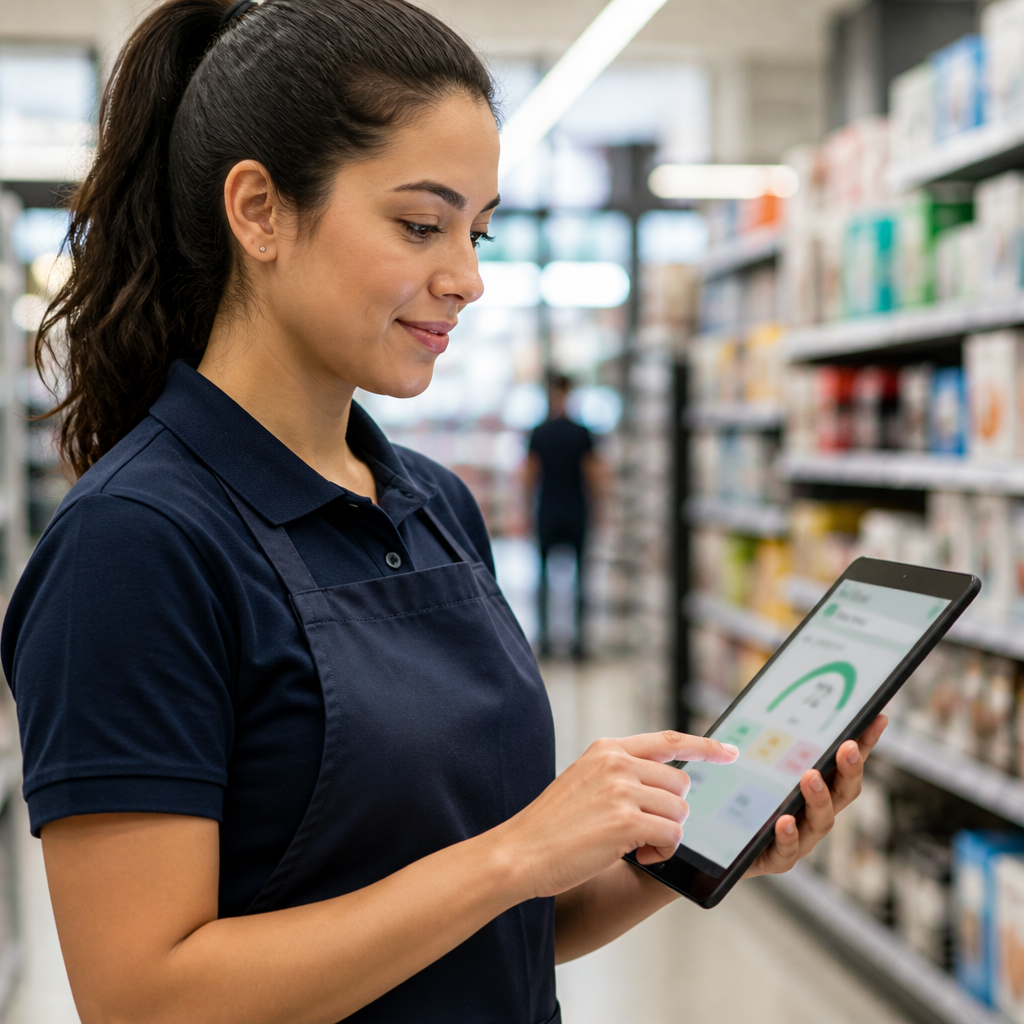
A useful customer satisfaction dashboard is not just a screen full of scores. In retail, it should work as an operational response system: collect in-store feedback, show problems fast, and help your team act before the customer walks out frustrated or posts a negative review.
That means the right dashboard needs a few core features:
- Real-time customer satisfaction tracking so managers see issues as they happen
- Mobile customer feedback alerts that reach the right person immediately
- Simple unit-level views for each store, not just a broad average across the business
- Complaint prioritization so urgent cases come first
- Automated follow-up tracking so nothing gets lost in messages or spreadsheets
These features matter because they change the outcome, not just the reporting. Faster recovery helps protect retention, reduces the chance of public review damage, and gives store and regional managers more control without creating extra admin work.
This is where many retail teams struggle today: they lose customers without knowing why, notice patterns only after the damage is done, and depend on spreadsheets that bury urgent issues under manual updates. A good dashboard fixes that by turning feedback into clear action for each unit, while keeping oversight simple across multiple stores.
The biggest shift starts when feedback stops sitting in reports and starts triggering action in real time.
How real-time alerts help stores resolve problems before complaints go public

The value of real-time tracking is simple: it gives the store a chance to fix the experience while the customer is still there. When feedback triggers an instant alert on the manager’s phone, the team can respond in minutes instead of finding out later through a public review.
That speed matters in everyday retail situations. A customer reports a long checkout line. The manager sees the alert, opens another register, and thanks the customer before they leave irritated. Someone flags rude service. The manager checks the floor, speaks to the employee, and steps in to recover the interaction. A shopper can’t find their size, sees confusing shelf pricing, or has a fitting-room issue. Instead of losing the sale quietly, the team gets a chance to solve it on the spot.
Tip: A fast alert only works if it reaches the person who can act immediately. Mobile notifications keep response time short and ownership clear.
This is how real-time alerts reduce negative reviews: the process moves from signal to action without delay. The alert appears on the phone, the manager verifies the issue, talks to the customer or team, resolves the problem, and the result is logged automatically. No paper notes. No spreadsheet follow-up. No forgotten cases.
The financial impact is direct. Fast recovery can save a sale, protect a repeat visit, and lower the hidden cost of reputation damage when frustrated customers take complaints online instead of giving the store a chance to respond.
But speed alone is not enough if the dashboard highlights the wrong metrics or hides the location of the problem.
The KPIs that matter most in a retail customer feedback dashboard
Speed only helps if the dashboard shows the right signals. For retail teams asking which customer satisfaction KPIs matter most, the best answer is: keep the list short enough to act on.
Focus on these core KPIs:
- Satisfaction score: a quick view of how the store experience is landing
- NPS or recommendation intent: shows whether customers would come back or recommend the store
- Complaint volume by store: reveals where friction is building fastest
- Response time: shows how quickly managers react after negative feedback arrives
- Issue resolution rate: tracks whether reported problems are actually getting closed
- Repeat negative signals: highlights recurring issues like long lines, rude service, pricing confusion, or stock problems
What matters most is where and when those signals happen. A chain-wide average can hide a weak store, a poorly staffed shift, or a team that keeps creating the same problem. Managers need store-level and shift-level visibility so they can pinpoint the exact unit, team, or time slot causing customer frustration.
For chains and franchises, this becomes even more important. Leadership needs centralized oversight across all units, but with drill-down by store to compare performance and spot repeated operational issues.
That is why automated feedback analysis in retail beats spreadsheet consolidation. Instead of waiting for manual updates, teams see the pattern faster, reduce human error, and act before the issue spreads across more locations.
Once the right KPIs are clear, the next question is operational: how fast can you put this into use across one store or the full network?
How to implement a retail store feedback software fast and use it across one or many locations
Implementation only helps if it happens fast enough to improve operations right away. In retail, the best feedback software does not require installation, internal IT queues, or long training sessions. If setup is simple, a store can start collecting feedback and receiving alerts the same day.
A practical rollout looks like this:
- Create the account and add one store or the full network
- Configure feedback collection for the in-store moments that matter most
- Define alert rules for low scores, complaints, or urgent comments
- Assign the right manager to each store, shift, or region
- Start monitoring on mobile so alerts reach the person who can act immediately
This is where automation removes manual work. Instead of exporting comments, updating spreadsheets, and forwarding messages, the system routes feedback automatically, keeps visibility organized, and speeds up response.
For networks and franchises, that structure matters even more. Headquarters sees all locations in one place, while each unit manager receives only the alerts tied to their store. That keeps control centralized and action local.
A free trial, setup in 5 minutes, and daily use without technical support are not just convenience points. They mean faster operational control, less admin work, and a shorter path from customer feedback to store-level action.
Conclusion
A retail dashboard only earns its place if it helps your team act before the damage is done. The real win is not having more feedback on a screen. It is giving store managers and multi-unit leaders a faster way to catch issues, recover customer experiences, and stop spreadsheets from slowing down response.
If you want a practical next step, start small and move fast: pick one store, define the top complaint triggers you want alerted immediately, assign one responsible manager, and track response time for the next few days. That simple setup will show you very quickly whether your current process helps you recover customers or just document problems after they happen.
Retail teams do not need another reporting layer. They need operational control in real time. When feedback reaches the right person fast, the store can fix more issues, protect more revenue, and build a stronger reputation one interaction at a time.
Frequently Asked Questions
What features should a customer satisfaction dashboard for retail stores have?
A customer satisfaction dashboard for retail stores should offer real-time tracking, mobile alerts for immediate action, and clear views by store unit. It must prioritize urgent issues and automate follow-ups, replacing manual spreadsheets to save time and reduce errors.
Can I track customer feedback in real time with a retail dashboard?
Yes, a retail customer satisfaction dashboard provides real-time feedback tracking that sends instant alerts to managers’ mobile devices. This enables quick response to issues before customers leave or post negative reviews, improving retention and reputation.
Is it possible to use a satisfaction dashboard across multiple retail locations?
Absolutely. The dashboard supports multi-unit and franchise operations by offering unit-level visibility and centralized control. This lets regional leaders monitor all stores at once and act fast on specific location issues.
How quickly can I implement a customer feedback dashboard in my store?
Implementation is fast and straightforward, typically under 5 minutes, with no need for IT support or complex installation. This speed lets managers start capturing and acting on feedback immediately, driving faster operational improvements.
What are the benefits of automating customer satisfaction tracking?
Automating tracking eliminates manual spreadsheet work, reduces human error, and delivers alerts in real time. This saves time, improves accuracy, and helps teams resolve customer issues promptly, boosting retention and revenue.
Related articles

Instant Guest Feedback Alerts for Hotels That Drive Recovery
Use instant guest feedback alerts for hotels to fix issues fast, boost retention, and increase revenue. Get started with a free 5-min setup.

Customer Feedback Software: What to Look for to Act Fast
Choose customer feedback software that delivers real-time alerts and boosts retention. Start fast, act faster, and improve revenue now.

Compare NPS Across Restaurant Locations and Act Fast
Compare NPS across restaurant locations to spot issues early. Get real-time alerts and boost retention with quick setup and no IT needed.